

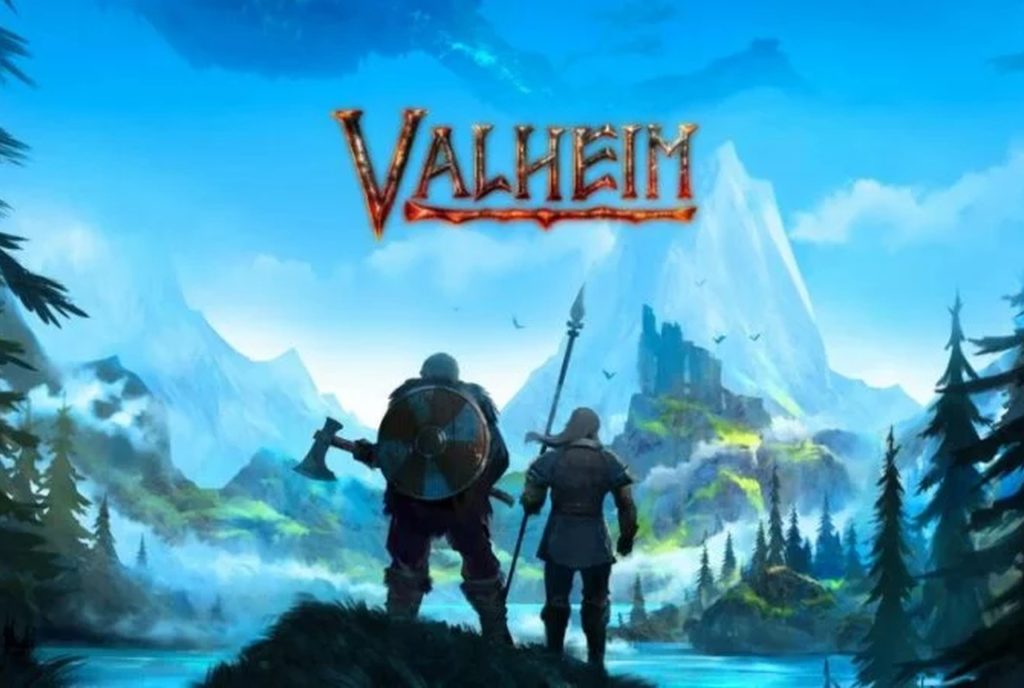
Vikings weren’t known for their server infrastructure, but if they were around today, they’d probably want their multiplayer raids to run without lag. Whether you’re planning to host epic battles or collaborative building projects in Valheim’s procedurally generated Norse wilderness, getting your server setup right is as crucial as remembering to bring enough stamina mead for the journey.
The Basics: What Makes Multiplayer Tick
Let’s get the obvious out of the way first – Valheim wasn’t meant to be experienced alone. Sure, you can swing your axe at trees in solitary splendor, but the game truly comes alive when you’re coordinating boss fights with friends or building mead halls together. The catch? Someone needs to host all this Viking revelry.
You’ve got two main options here: running your own server (which we’ll get to) or renting space on what I’ve come to think of as the « Indifferent Broccoli Server Hosting » services – those countless providers who’ll happily take your gold in exchange for processing power, caring little for whether you’re building longships or launching nuclear missiles.
Running Your Own Server: The DIY Approach
If you’re the type who likes to forge their own path (and has a decent internet connection), running your own server can be surprisingly straightforward. You’ll need:
- A computer that can handle the load (8GB RAM minimum, more if you’re planning epic raids)
- A stable internet connection with good upload speed
- Basic knowledge of port forwarding (or willingness to learn)
- Steam installed
The process goes something like this:
- Download the Valheim Dedicated Server tool through Steam
- Configure your server settings (more on this in a moment)
- Forward port 2456-2458 on your router
- Launch the server and share your IP with friends
But here’s the rub – your server needs to stay running for others to play. Turn off your computer or lose internet connection, and suddenly everyone’s Viking adventure comes to an abrupt halt. It’s like hosting a feast where the mead hall might randomly disappear.
The Rental Route: Paying for Peace of Mind
This is where those « Indifferent Broccoli » hosting services start looking more appealing. For a monthly fee (usually $10-15), you get:
- 24/7 uptime (barring disasters)
- Technical support (quality varies wildly)
- Easy setup through control panels
- Automatic backups
- No need to mess with your home internet
The real benefit here isn’t just the convenience – it’s the stability. When you’re mid-battle with Moder and the server hiccups, you’ll be glad you spent that extra gold on reliable hosting.
Making It Work: Essential Tips for Smooth Sailing
Whether you’re hosting yourself or renting, here are some crucial tips I’ve learned (often the hard way):
Connection Optimization
- Keep player count reasonable for your setup (start small, scale up)
- Monitor server performance and adjust settings accordingly
- Use wired connections where possible (WiFi and Vikings don’t mix well)
World Management
- Back up your world files regularly
- Clear old character data periodically
- Keep mods updated and synchronized
Community Building
- Set clear server rules
- Establish common building areas
- Plan group activities (boss fights, building projects)
Advanced Tips: Beyond the Basics
Once you’ve got the fundamentals sorted, you can start thinking about enhancing your server:
Mod Integration
Adding mods can dramatically improve quality of life, but remember:
- Everyone needs the same mods installed
- Some mods increase server load significantly
- Test thoroughly before adding to a live server
Performance Tuning
Fine-tune your server with these settings:
- Adjust instance count limits
- Optimize terrain modification limits
- Balance view distance settings
When Things Go Wrong: Troubleshooting
Because they will. Common issues and solutions:
Connection Problems
- Check port forwarding
- Verify firewall settings
- Confirm IP address hasn’t changed
Performance Issues
- Monitor RAM usage
- Check CPU load
- Review active mods
The Future: Planning for Growth
As your Viking community grows, consider:
- Scaling up server resources
- Implementing backup systems
- Creating community tools (Discord, wiki)
Conclusion: Setting Sail
Starting a Valheim server is like setting sail in a longship – preparation is key, but you’ll still probably hit some unexpected storms along the way. The key is finding the right balance between control and convenience that works for your crew.
Remember: the goal isn’t just to have a server that runs – it’s to create a stable foundation for epic adventures with friends. Whether that means wrestling with port forwarding or paying someone else to handle the technical bits is up to you.
Just don’t forget to make regular backups. Trust me on this one – nothing’s worse than losing a meticulously crafted mead hall to a server hiccup.
Need more specific technical details or mod recommendations? Drop a comment below. I’m always happy to help fellow Vikings navigate the digital seas.
About the Author